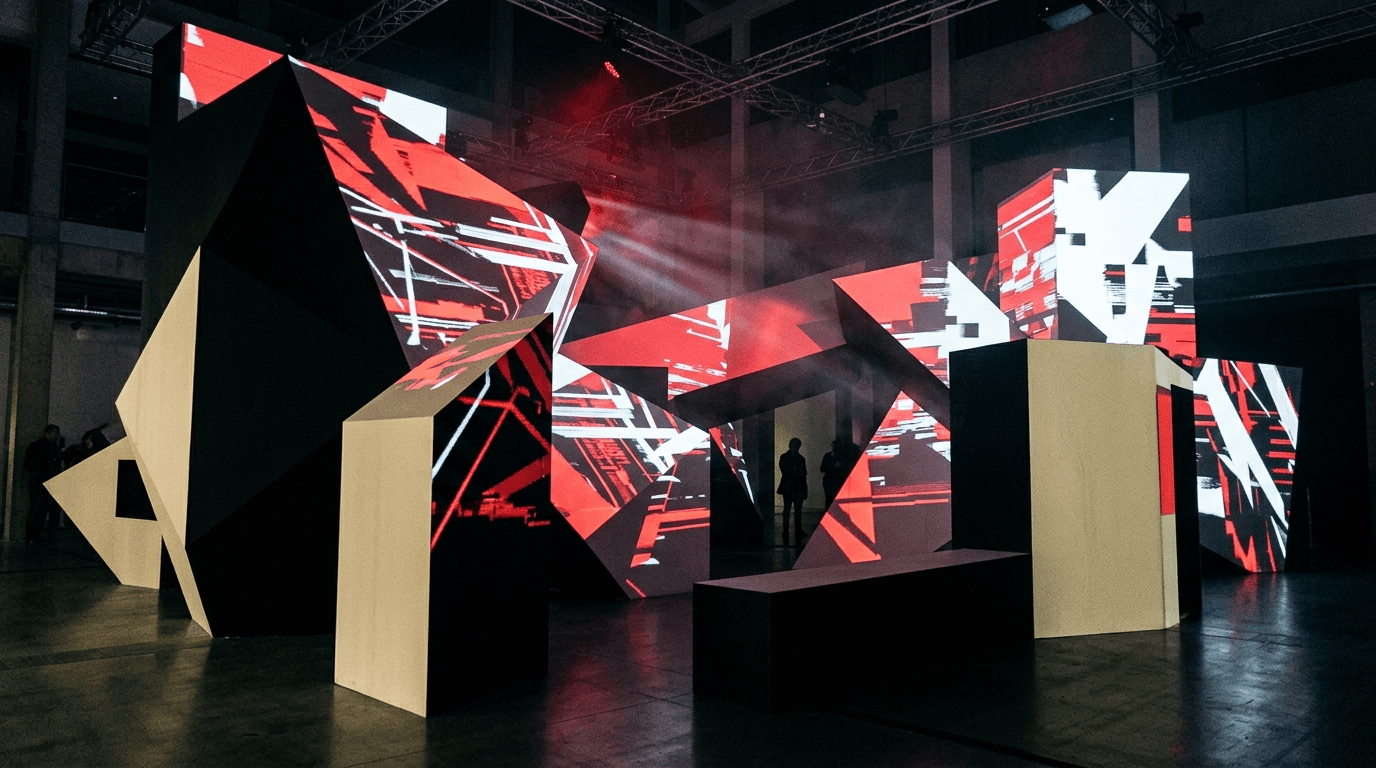
Local network
Your phone and TV communicate directly over the same Wi‑Fi network. No developer server or account required.

Design on your phone, render on Android TV. Luxar turns walls, objects and spaces into dynamic digital surfaces.
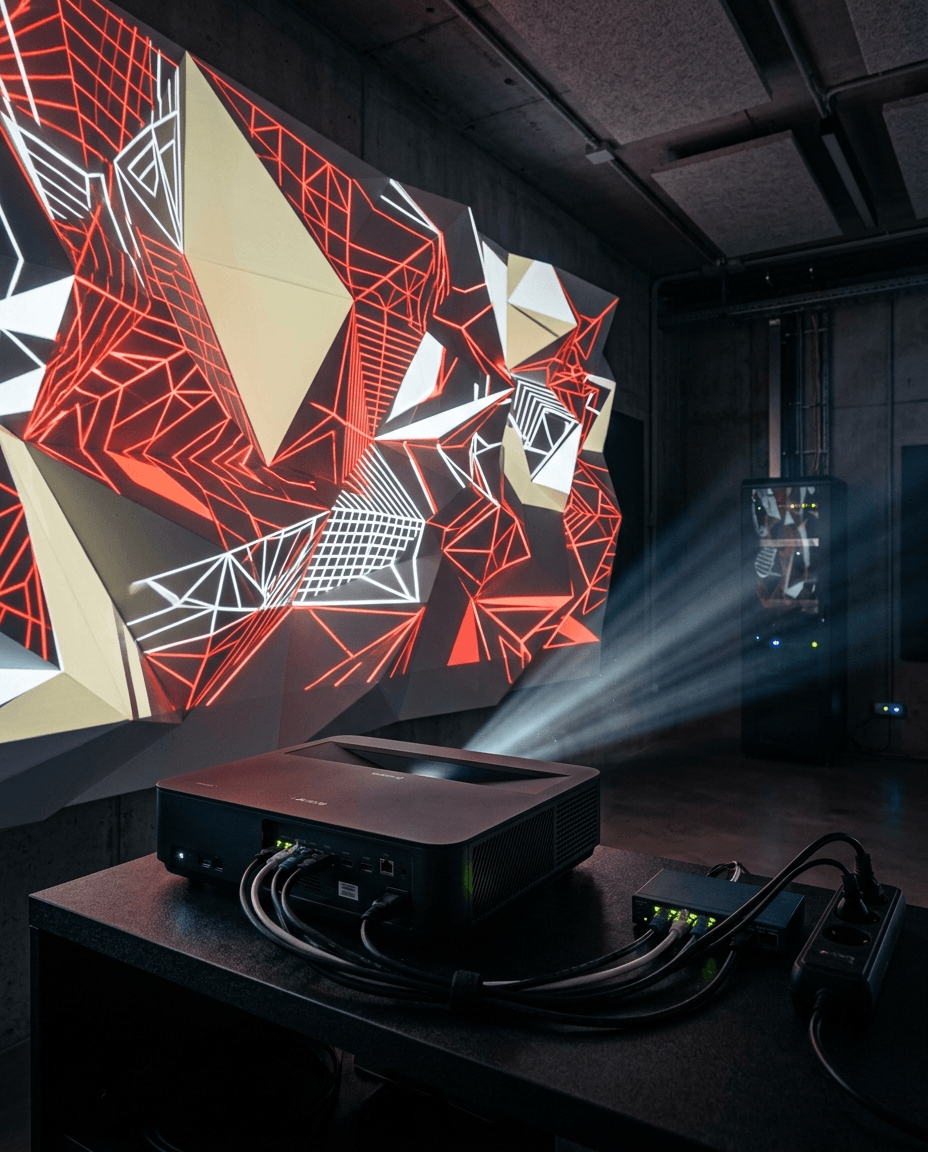
Create surfaces, align corners and direct motion in real time—without a complex desktop setup.
Your phone and TV communicate directly over the same Wi‑Fi network. No developer server or account required.
Four-corner warping, surface layers, brightness, speed and rotation controls in one studio.
Smooth, scalable procedural animation rendered directly by your Android TV’s GPU.
The Luxar mobile app is your project control center. Luxar TV is the high-performance visual receiver.
Install Luxar on your phone and Luxar TV on an Android TV connected to the same network.
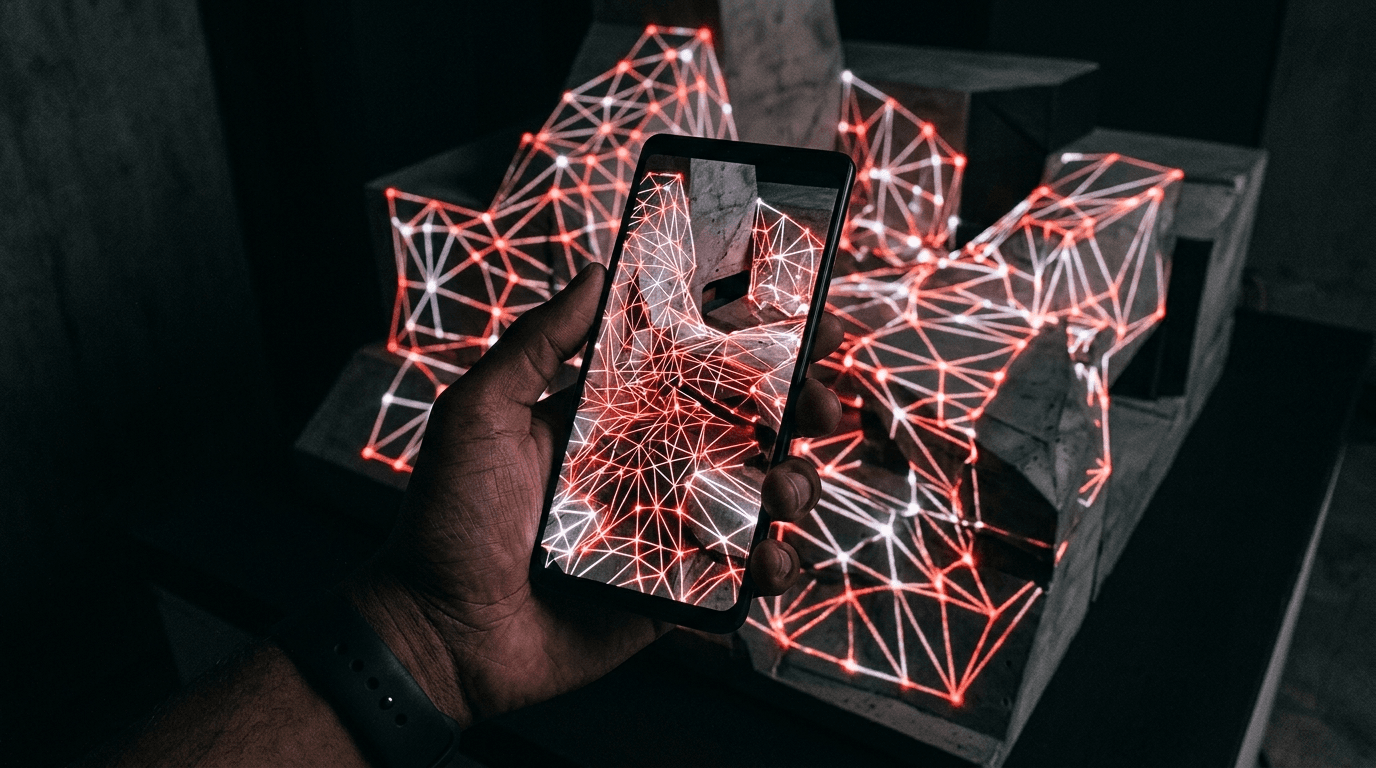
Choose your TV through automatic discovery or enter its local IP address manually.
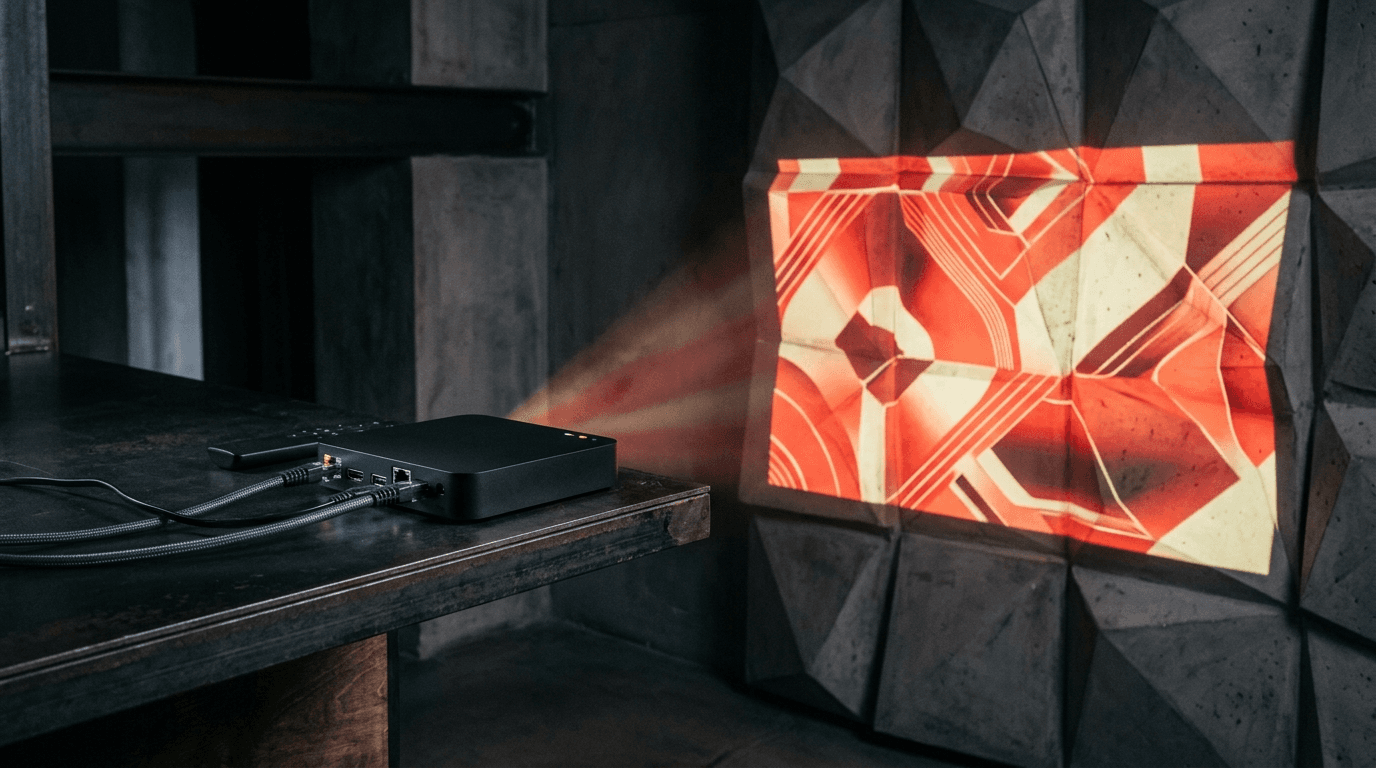
Add layers, align four corners, select a shader and switch to production mode.
Luxar keeps projects on your device and can move them only through the Android system backup you choose.
Read the privacy policy